

Commercial TV vs Consumer TV for Digital Signage: Which Do You Need?
Posted by Emilyann Allen on 27th Oct 2026
Commercial TV vs. Consumer TV for Digital Signage
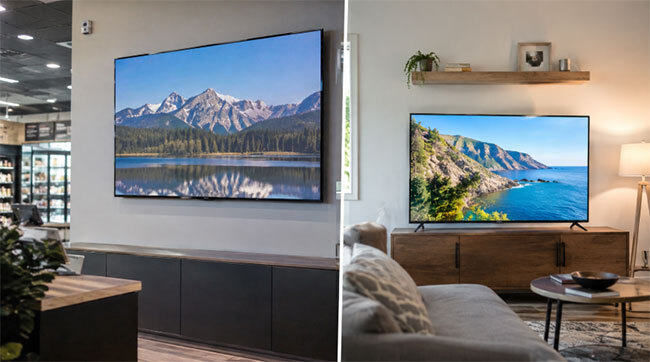
Commercial TV vs. consumer TV for digital signage comes down to warranty terms, controls, and the room, not the sticker price. Here's how to choose.
Most buyers assume a TV is a TV. A 65-inch screen is a 65-inch screen, and the signage project moves ahead with whichever model is on sale. For a break room or a conference corner, that logic usually holds.
The trouble starts when the same screen goes behind a reception desk, into a lobby that stays lit from open to close, or onto a wall in a school gym. The commercial TV vs consumer TV question for digital signage isn't really about picture quality. It comes down to who covers the screen when it fails, how it's controlled, and what the room does to it. The sticker price is only one of the three.
The Myth That a TV is Just a TV
A consumer TV is designed around a household, where it usually runs a few hours a day and answers to whoever is holding the remote. A commercial TV is designed around a business. It's expected to be managed by someone other than the person standing in front of it, and sometimes to hang in a space where anyone can walk up and touch it.
Neither one is better in the abstract. A school administrator who wants a screen in the front office for morning announcements has different needs than a restaurant owner running a menu board from open to close. The mistake is treating the two purchases as the same, then finding out the difference on the day a panel fails and the warranty conversation starts.
What the Warranty Says About Business Use
Read the warranty before the spec sheet. Some consumer TV makers write business use directly into their terms, and the coverage shrinks when they do. TCL's 2025 limited product warranty is a clear example. It defines commercial use as use "in a commercial or business environment," in an institution, or for rental purposes, and it gives TVs one year of parts and labor for non-commercial use but only six months for commercial use.
That's one manufacturer, and other brands word their terms differently, so read the document for the exact model you plan to buy. Commercial TVs are sold with business use in mind. The RCA commercial TVs listed on The Display Shield, for example, come with advance replacement shipping instead of on-site repair, which keeps downtime short.
|
TV |
Warranty |
Applies to |
|
TCL Consumer TV (2025 Limited Warranty) |
1 year, parts and labor |
Non-commercial use |
|
TCL Consumer TV (2025 Limited Warranty) |
6 months, parts and labor |
Commercial use |
|
RCA 50" Commercial TV |
2-year advance replacement |
Commercial TV |
|
RCA 65" Commercial TV |
2-year replacement with advance shipping |
Commercial TV |
|
RCA 75" Commercial TV |
2-year advance replacement |
Commercial TV |
|
|
* This chart was last updated 10/2026 |
|
Warranty terms change. Check the current document for the exact model before you buy.
Time isn't the only difference. Downtime is the real cost. A lobby screen that stays dark while a repair travels back and forth costs more than the unit price suggests, especially when it carries a menu, a wayfinding map, or a safety notice.
What a Commercial TV Adds to a Digital Signage Setup
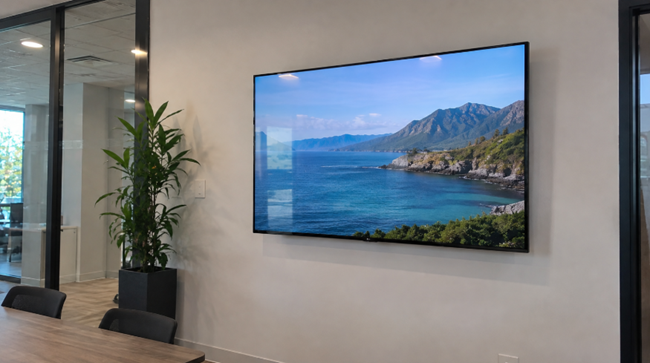
Warranty language is the paper difference. The daily difference is control. These are features listed on the RCA commercial TV pages, and each one answers a problem that a TV in a public room runs into.
|
Feature |
What it Does for a Business |
Listed on |
|
Power On/Off Scheduler |
The screen turns itself on and off on a schedule |
RCA 65" |
|
Front Panel/Menu Lock and Channel Lock |
Visitors can't change settings or channels |
RCA 65" |
|
RS-232 and IR Pass-Through |
Ports for connecting control equipment |
RCA 65" |
|
USB Clone Programming |
Settings are copied from one TV to the next |
RCA 65" |
|
Anti-Theft Swivel Stand |
A stand made to deter theft |
RCA 50" |
|
Advance Replacement Shipping |
Keeps downtime short when a unit fails |
RCA 32", 40", 50", 65", 75" |
|
|
* This chart was last updated 10/2026 |
|
Brightness deserves a closer look. The RCA 32" lists 250 cd/m², the 50" lists 260 cd/m², and the 65" and 75" list 300 cd/m² (typical values). Match the number to the light where the screen will hang. A menu board facing a window or a patio screen in the afternoon sun asks more of a display than a lobby does.
Duty cycle is the other number to chase. If the screen will run from open to close, ask the supplier how many hours a day the model is rated to run, and get the answer in writing before the purchase order goes out.
When a Consumer TV Is the Smarter Buy
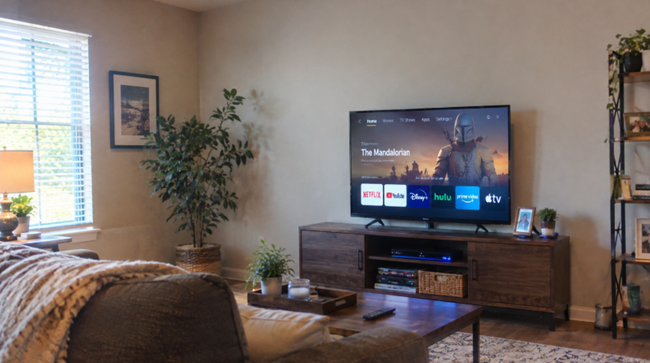
A commercial TV isn't automatically the right call. For a digital signage screen that runs a few hours a day in a controlled indoor room, a consumer model can be a sensible purchase, as long as the buyer accepts the warranty terms that come with it. The question is how far the room, the hours, and the audience push the decision the other way.
|
Setting |
A Consumer TV Can Work When |
A Commercial TV is the Safer Call When |
|
Staff Break Room |
The screen runs a few hours, and only staff can reach it |
It shows shift schedules all day, and the input shouldn't be changed |
|
Reception or Waiting Room |
It runs part of the day and hangs out of reach |
It runs from open to close and visitors can reach it |
|
School Gym or Cafeteria |
It's used for the occasional event |
It runs daily and takes hits from balls and crowds |
|
Restaurant or Retail Menu Board |
It sits on an interior wall with controlled light, on short hours |
It runs all day and is managed from one location |
|
Patio, Drive-Thru or Bus Stop |
Only inside an enclosure built for the climate |
Only inside an enclosure, unless the spec lists an outdoor rating |
School gyms show how quickly the answer changes. A screen that survives a quiet morning announcement may not survive a basketball tournament. School gym TV uses and enclosure options are worth a look before choosing either type.
Does RCA Still Make Commercial TVs?
It's a fair question, since the name is better known from older living-room sets. RCA-branded commercial TVs are still sold, and The Display Shield lists them from 32 to 75 inches, including the 50-inch and the 65-inch. The 50, 65, and 75-inch models are 4K (3840 x 2160), and the 32 and 40-inch models are 1080p.
What matters on a purchase order is the warranty and who ships the replacement, and the product pages spell both out. The 40, 50, 65, and 75-inch models list a two-year warranty, and the 32-inch model lists one year.
Why the Room Matters More Than the TV Type
Whichever type you buy for digital signage, the room decides how long it lasts. A warranty covers the TV. It doesn't change what a gym ball, a nightly wipe-down, a loading-dock door, or a July afternoon does to the room around it, so read the exclusions as carefully as the term. In fact, in addition to choosing the right TV or digital display for indoor commercial spaces, many businesses also choose an enclosure like The TV Shield PRO Lite to protect TVs or displays from impact damage, tampering, or threats in indoor locations where children or the public could otherwise cause problems for the screen.
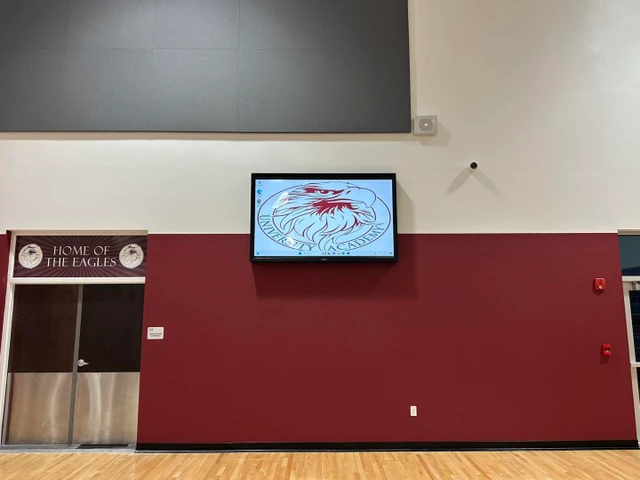
Additionally, before any TV, commercial or consumer, goes where the weather can reach it, check the specs for an outdoor rating.
That's where an enclosure comes in. The TV Shield PRO is an outdoor, weatherproof enclosure for 40 to 86-inch TVs and displays, and its page lists rain, dust, moisture, hot and cold temperatures, tampering, and impact among the things it protects against. Inside, where people, carts, and cleaning crews can reach the screen, The TV Shield PRO Lite is an indoor enclosure series for 40 to 110-inch TVs and displays, listed for high impact, tampering, and theft. Where theft is a concern, the security lock kit works with The TV Shield, The Display Shield, and TVs on wall mounts or display furniture.

Pairing matters. A commercial TV inside an enclosure sized for it addresses both the business-use warranty and the environment. A consumer TV inside an enclosure addresses the environment, but you still need to check the TV's own warranty for business use. Confirm the enclosure fit against the exact TV size before ordering.
What to Ask Before You Sign the Purchase Order
A short list catches most of the problems before the screens are on the wall.
- What does the warranty say about business or commercial use for this exact model?
- How many hours a day is the TV rated to run, and is that in writing?
- Does the spec list an outdoor rating, or does the screen need an enclosure?
- Who ships the replacement, and does the failed unit go back before the new one goes out?
- Will anyone be able to reach the screen, and does the setup need a lock or an enclosure?
FAQs
Can I use a consumer TV for digital signage?
Yes, in the right setting. A screen that runs a few hours a day in a controlled indoor room can work, as long as you accept the warranty terms. Some consumer warranties cut coverage for business use, as TCL's currently do, so read the document first.
When is a commercial TV worth choosing?
When the screen runs most of the day, visitors can reach it, you want business-use warranty terms and controls such as a power scheduler and menu lock, or possibly if you want to put the TV or display outside. For a break room that runs a few hours, a consumer TV can be enough.
Does a commercial TV work outdoors?
Only if its spec says it's rated for outdoor use. Otherwise, it needs an enclosure built for the weather, such as The Display Shield or The TV Shield PRO.
Does RCA still make TVs?
RCA-branded commercial TVs are still sold, and The Display Shield lists models from 32 to 75 inches. The 40, 50, 65, and 75-inch pages list a two-year warranty.
Do I need an enclosure if I buy a commercial TV?
Only if the room is part of the problem. A commercial TV adds business-use warranty terms and controls, but it doesn't add protection from impact, moisture, or sun unless the spec says so. There is a good chance an enclosure may be needed for outdoor applications. A screen in a calm interior may not need one.